
- Services
- Discovery & Intelligence Services
- Publication Support Services
- Sample Work
Publication Support Service
- Editing & Translation
-
Editing and Translation Services
- Sample Work
Editing and Translation Service
-
- Research Services
- Sample Work
Research Services
- Physician Writing
- Sample Work
Physician Writing Service
- Statistical Analyses
- Sample Work
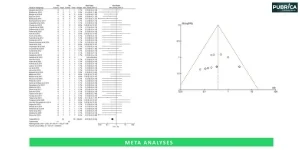
Statistical Analyses
- Data Collection
- AI and ML Services
- Sample Work
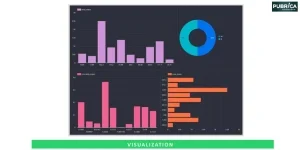
AI and ML Services
- Medical Writing
- Sample Work
Medical Writing
- Research Impact
- Sample Work
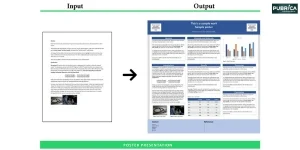
Research Impact
- Medical & Scientific Communication
- Sample Work
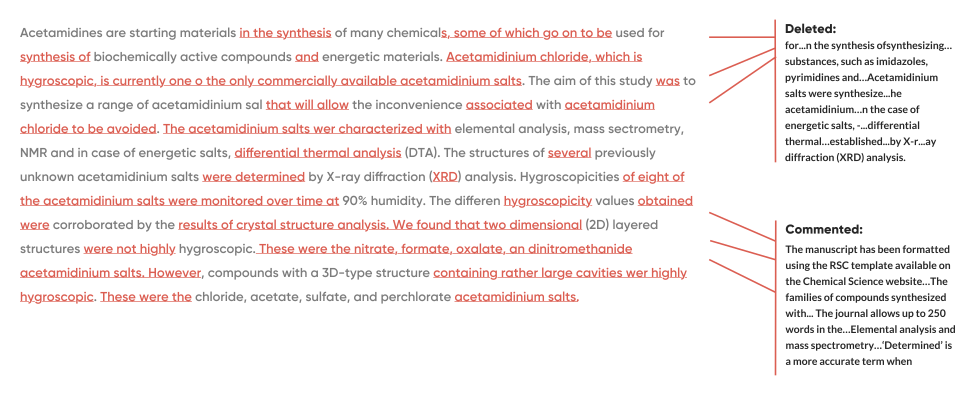
Medical & Scientific Communication
- Medico Legal Services
- Educational Content
- Academic Editorial Services
- Sample Work
Academic Editorial Services
- Educational Editorial Service
-
Education Editorial Services
- Sample Work
Education Editorial Services
-
- Industries
- Subjects
- About Us
- Academy
- Insights
- Contact Us
Research poster preparation: A Step-by-Step guide for Students and Academics
- Home
- Academy
- Statistical analysis
- Research poster preparation: A Step-by-Step guide for Students and Academics
High-Impact Journals
- From Idea to Insight: Sharpen Your Poster’s Message
- Craft Your Poster Structure
- Optimize the Poster Layout
- Draft Clear, Concise Text That Speaks
- Enhance Impact with Effective Visuals
- Enhance Readability and Visual Flow
- Refine and Perfect Your Poster
- Master Your Magnetic Micro Pitch
- From Draft to Display: Essential Poster Prep Dos and Don’ts
Interesting topics
Research poster preparation: A Step-by-Step guide for Students and Academics
1. From Idea to Insight: Sharpen Your Poster’s Message
2. Craft Your Poster Structure
3. Optimize the Poster Layout
4. Draft Clear, Concise Text That Speaks
5. Enhance Impact with Effective Visuals
6. Enhance Readability and Visual Flow
7. Refine and Perfect Your Poster
8. Master Your Magnetic Micro Pitch
9. From Draft to Display: Essential Poster Prep Dos and Don’ts
Creating an effective research poster involves a blend of strong content and a clear, visually appealing design, followed by an engaging presentation. The goal is to convey your core message quickly and encourage dialogue with viewers.
A well-designed research poster is an art and a science. An effective research poster is a powerful means by which researchers can clearly present their research to others, engage with others from diverse fields of study, initiate conversations at academic/technical events, and demonstrate their findings.[1]. Academic poster preparation guide helps students and researchers showcase their work professionally.
This step-by-step poster presentation guide walks you through design, layout, and delivery
1. From Idea to Insight: Sharpen Your Poster’s Message
Establishing the objective and the central concept of your poster are essential steps to take before developing it. You also need to determine what you have learned from your research, or what you believe are the most important findings and conclusions, and also, the most relevant insights you want your audience to take away from your presentation.[2]
2. Craft your Poster Structure
Your poster should logically flow from section to section in your poster design: Title/Key Takeaways; Introduction, Methods, Results, Discussion, Conclusion, References, and/or Acknowledgments. Concentrate on the content to reinforce and emphasize the most important aspects of your research.[3] To improve section consistency, clear typographic hierarchy to distinguish titles, subtitles, and body text and apply a structured grid-based layout system to align all poster components accurately.
Section | Suggested Content |
Title | A short, concise, descriptive title that includes all authors and their institutional affiliations. |
Introduction | It briefly describes the background of the research, explains why this study was conducted, and what the research objectives were. |
Methods | Summarise the methodology of the study, including the study design, what type of data was collected, and how it was analysed. |
Results | Summarise the main findings of the research, including figures and/or tables. |
Conclusion | Summarise the key points from the research and how it contributes to the field; identify important limitations and suggest areas for future research. |
References | Include a complete list of all relevant and usable references that were used in the research, preferably from recent years. |
Acknowledgements | List any sources of funding or sponsorship; list any collaborators who assisted the authors with the study; include a ‘thank you’ to anyone who provided additional support for the authors during the study. |
3. Optimize the Poster Layout
- Your posters should include all necessary information in a logical manner, balanced text with graphics/visuals.
- Utilize appropriate headings and arrange the elements (tables/graphs, etc.) so that the reader can easily understand the information presented and find the key message/conclusion without hesitation.
- Pay attention to academic poster formatting, including font choice, spacing, and section order for readability.
- To improve alignment consistency, incorporate a structured grid-based layout system across all sections.
- Choose a poster size and orientation based on the conference’s guidelines, which typically specify that posters will be either 36×48 inches or A0.[4]
- Ensure all images adhere to the correct aspect ratio to avoid distortion. Use standardized color contrast ratios to maintain accessibility for viewers with visual impairments.
4. Draft a Clear, Concise Text That Speaks
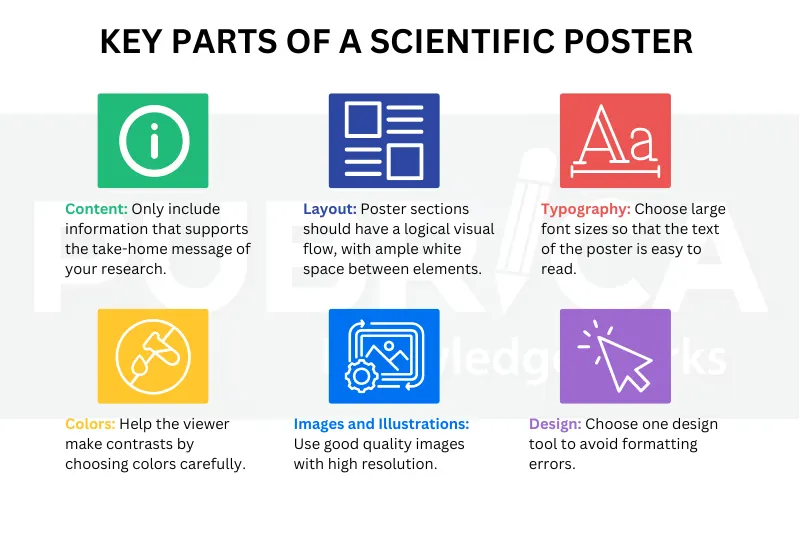
Posters should allow your audience a quick view; thus, you must use text with clarity – short, concise, and direct.
- Use bullet points instead of lengthy paragraphs.
- Do not use acronyms/jargon unless your audience is knowledgeable about them.[5]
- Be sure to keep your title less than 15 words. The title should be informative and attention-grabbing. Also, be sure to add author(s), affiliation(s), and method(s) of contacting you.
5. Enhance Impact with Effective Visuals
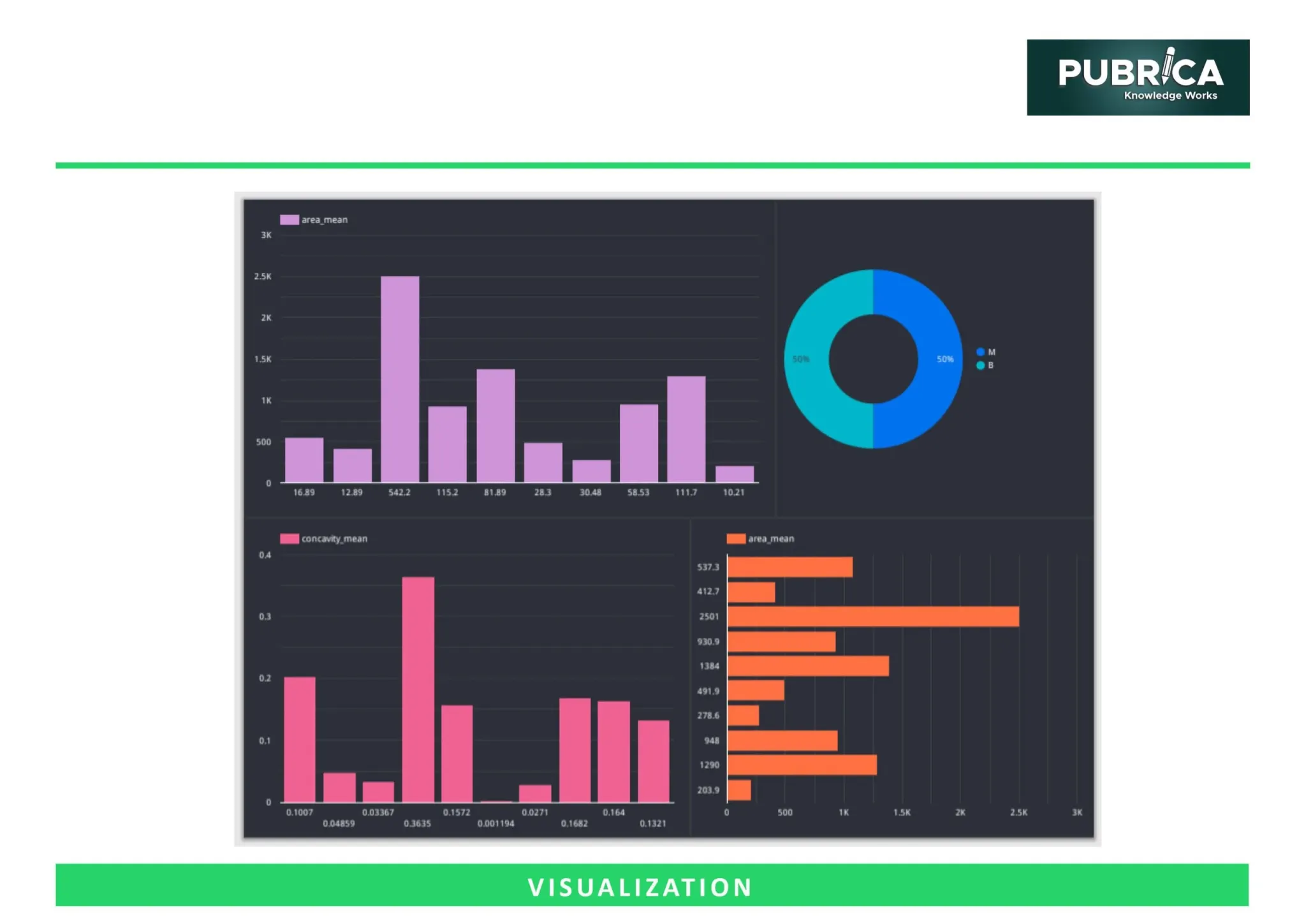
- A large portion of a poster’s visual elements is dedicated to figures, graphs, or charts[6], which typically account for 40-50% of the total area.[7].
- The images should always be of high quality (high resolution), clear graphs should be provided, and all tables/charts must have clear titles, headings, and labels. [8].
- For complex figures or high-quality visuals, a scientific poster design service can help ensure clarity and consistency across your poster.
- Use vector graphics for illustrations to maintain clarity at any size.
- Apply proven data visualization techniques when presenting numerical or comparative information.
- Maintain consistent legend formatting across all charts to support quick interpretation.
- Ensure figures meet minimum DPI resolution standards (300–600 DPI) for high-quality printing
Visual Type | Purpose | Tips |
Bar/Line Graphs | Show trends or comparisons | Use contrasting colors; label axes clearly |
Pie Charts | Show proportions | Keep segments limited for clarity |
Images/Illustrations | Highlight methods or outcomes | High-resolution, relevant, and properly captioned |
Infographics | Summarize key data or workflow | Keep simple and visually appealing |
6. Enhance Readability and Visual Flow
- Use large, easily readable, and crisp sans serif fonts to create a clean visual hierarchy on your poster with appropriately sized header and body fonts. [9]
- Follow a logical order, starting with an Introduction and ending with a Conclusion so that the reader can follow a logical schema as he/she moves from left-to-right through each of the sections of the poster.
- Clearly identify and emphasize key findings using non-invasive techniques such as bold, italics, call-out boxes, etc., in order not to clutter the design.
- Use consistent and appropriate spacing between sections and provide adequate space for visual cues to delineate between sections.
- Minimize unnecessary elements to reduce overall cognitive load for viewers.
7. Refine and Perfect your Poster
Obtaining peer feedback is essential; clarity and labelled visuals should be checked, axes and credits multiplied, making sure to save a version in high resolution. In addition to peer feedback, authors may consider a research poster preparation service to refine layout, visuals, and text.[10]
8. Master your Magnetic Micro Pitch
Export your final poster using standard file export specifications such as PDF for conference compliance. As the final touch before presenting, prepare a confident, engaging way to communicate your research. Develop a crisp 30-second elevator pitch that captures your main message, and a 1–2 minute version for deeper conversation. Practise until it feels natural—your clarity and delivery are what invite viewers to stop, listen, and connect with your work. An effective scientific poster presentation should communicate your findings clearly and engages diverse audiences. Develop an audience engagement strategy to encourage interaction during poster sessions
9. From Draft to Display: Essential Poster Prep Dos and Don’ts
Dos | Don’ts |
Keep your message clear and focused on key findings. | Overload the poster with long paragraphs or unnecessary jargon. |
Use high-quality images, graphs, and consistent formatting. | Use low-resolution visuals or mismatched fonts and colors. |
Follow conference size and formatting guidelines precisely. | Ignore poster dimensions or layout requirements. |
Double-check labels, axes, titles, captions, and references. | Leave visuals unlabeled, axes unclear, or omit citations. |
Arrange sections logically for smooth readability (Introduction → Methods → Results → Conclusion). | Scatter content randomly or make navigation confusing. |
Save and export your final version in high resolution. | Submit draft-quality or poorly formatted posters. |
Connect with us to explore how we can support you in maintaining academic integrity and enhancing the visibility of your research across the world!
Conclusion
Effective research poster preparation combines clear content, strong visuals, and logical academic poster formatting. This step-by-step poster preparation guide helps students and researchers create engaging, professional posters. Using a research poster template, layout, or design services can simplify the process, while editing or professional poster presentation services ensure clarity and impact. Using this Step-by-Step Poster Guide, you can produce a visually appealing scientific poster presentation that communicates your key findings and leaves a lasting impression.
Ready to create a polished, conference-ready research poster? Pubrica’s expert poster design and editing services help you refine content, enhance visuals, and ensure professional formatting. [Get Expert Publishing Support] or [Schedule a Free Consultation].
References
- How to prepare a research poster. (n.d.). Default. Retrieved December 6, 2025, from https://www.asms.org/conferences/annual-conference/presenter-guidelines/how-to-prepare-a-poster
- How to prepare a research poster. (n.d.). Default. Retrieved December 6, 2025, from https://www.asms.org/conferences/annual-conference/presenter-guidelines/how-to-prepare-a-poster
- Guidelines for posters. (n.d.). Uncw.edu. Retrieved December 6, 2025, from https://uncw.edu/myuncw/research/student/undergrad-research/presenting/guidelines-for-posters
- Guidelines for posters and presenters. (n.d.). Lamar.edu. Retrieved December 6, 2025, from https://www.lamar.edu/undergraduate-research/conferences/guidelines-posters-presenters.html
- Petty, J. (n.d.). Tips and guidance on preparing an academic &/or conference poster. Org.uk. Retrieved December 6, 2025, from https://nna.org.uk/wp-content/uploads/2024/08/Guide-on-how-to-create-a-poster-JPetty-NNA.pdf
- How to make an academic poster. (n.d.). Google.com. Retrieved December 6, 2025, from https://sites.google.com/stmarys-ca.edu/smc-student-research-con/2024/resources/how-to-make-an-academic-poster
- Dorsett, K. (2020, April 1). Research poster design. Libguides.com. https://widener.libguides.com/Poster/Planning
- Poster presenter instructions. (n.d.). Stipreventionconference.org. Retrieved December 6, 2025, from https://stipreventionconference.org/poster-presenter-instructions/
- Research posters. (2009, December 14 Illinois.edu. https://guides.library.illinois.edu/poster/stepbystep
- Research Guides: Creating Research Posters: Creating your poster step by step. (2013, August 28). Humboldt.edu. https://libguides.humboldt.edu/poster/create